
Welcome home, player!

By clicking Continue with Google or Facebook, you agree to G2Play's Terms & Conditions and Privacy Policy, also to NFT Terms & Conditions and NFT Privacy Policy.

New to G2Play?
Sign up now!
  • FAQ
5.0
(2 Reviews)
Platform
Other

inPixio Photo Studio 10 Ultimate Key

Promoted offer
The offer displayed at the top of the product page is a promoted offer of a seller who paid for promotion. Other offers are sorted based on the price (from low to high).
Sold by
softwarebuyer
99.60% of 9280 ratings are superb!
4 more offers available starting from
$0.10
Your transaction is secure
We're working hard to protect the security of your payments. We have a dedicated Fraud Prevention and Response Department working 24/7 to ensure safe transactions. We have implemented custom systems to screen out potential scammers and we have partnered with Ravelin, one of the world's best fraud prevention platforms. We don't share your payment details with third-party sellers and we don't sell your information with others.
Key activation
Languages

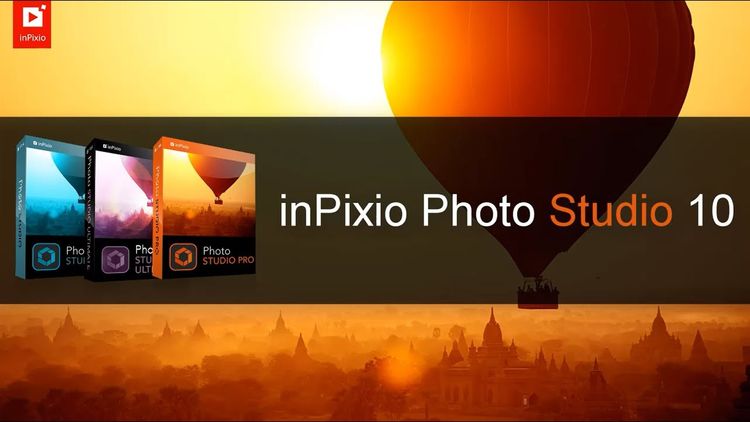
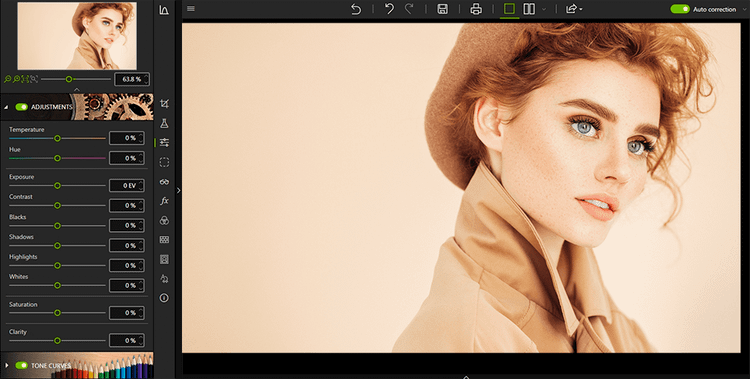
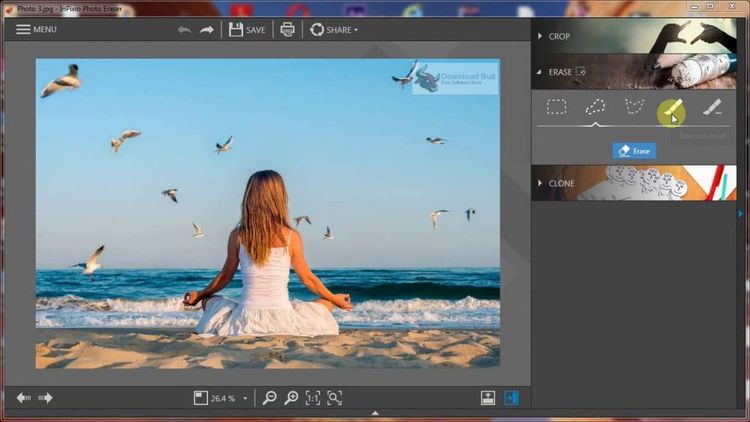
inPixio Photo Studio 10 is a very powerful image editing application with a variety of powerful tools that allows the users to fix the photos and remove any unnecessary parts from the images. It is a simple and modern-looking application with a huge list of features that saves a lot of time and provides support for previewing before and after applying Luts. When it comes to removing unnecessary parts, just highlight the object and the application will take care of the rest.

Features

  • A powerful image editing application
  • Supports removing any unnecessary objects from the images
  • Fix any kind of imperfections in an automated environment with one click
  • DeNoise and DeHaze features with more clear output
  • Preview the images before and after applying Luts
  • Improved performance and various bug fixes
  • Change the background of the photos
  • Remove logos and watermarks or text from images
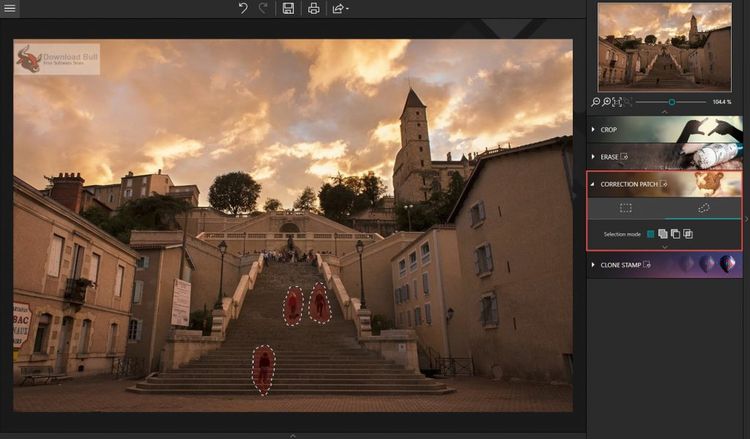
  • Correction Patch tool for removing any imperfections
  • Touch up areas that are hard to reconstruct
  • Retouching portraits and eliminate minor imperfections
  • Apply various effects and transitions to enhance images
  • Make photo-montages or collages instantly
  • Perspective collection features
  • Straighten the subject and enhance the images
  • Creative Blur module for specific area blur
  • Adjust the sharpness and opacity details
  • Cropping and rotating images
  • Tone curve and color balance features